SIP2Cast
Turn SIP calls into multicast paging audio — up to 8 channels, Windows or Linux

Send photos and videos from your phone to your PC over Wi-Fi — no cable, no cloud, no app
upload2me turns your Windows PC into a drop box for your phone. Scan a QR code, pick your photos and videos, and they land in a folder on your computer over your own Wi-Fi.
Free · 73 MB · Windows · 8 downloads

Getting photos off a phone should not mean hunting for a cable, emailing files to yourself, or waiting for a cloud service to sync. upload2me is a small, free Windows app that lets any phone send photos and videos straight to your PC over the Wi-Fi you already have.
It works the same with an iPhone or an Android phone, and with anything else that has a web browser. Your files go directly from the phone to the PC across your own network — they are never uploaded to the internet, and there is no account to create.
It is handy anywhere you need files from a phone on a computer quickly: moving holiday photos, grabbing a video for editing, collecting pictures from a job site, or letting several people at an event drop their photos into one folder. Turn on the optional PIN and only people you give it to can upload.
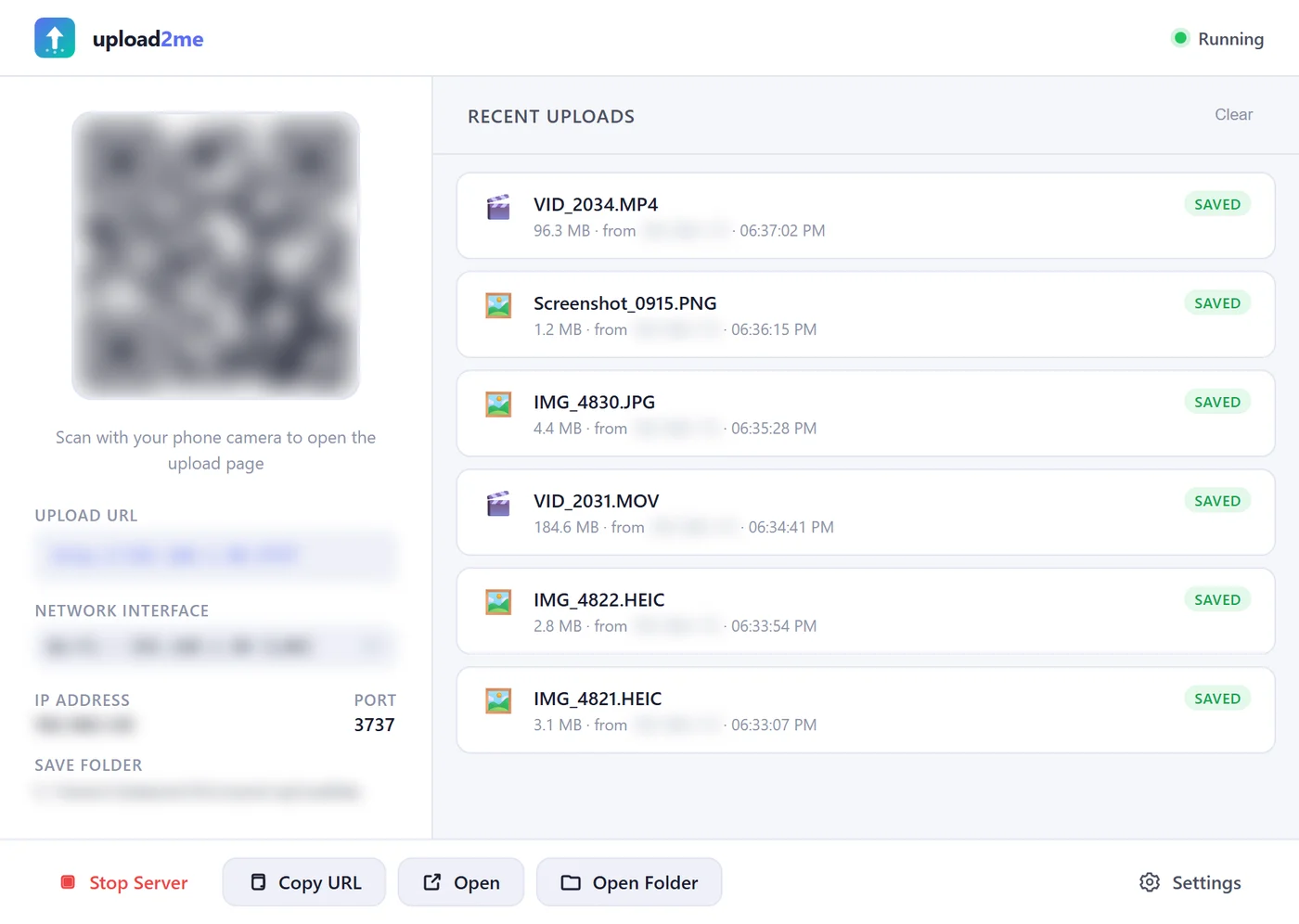
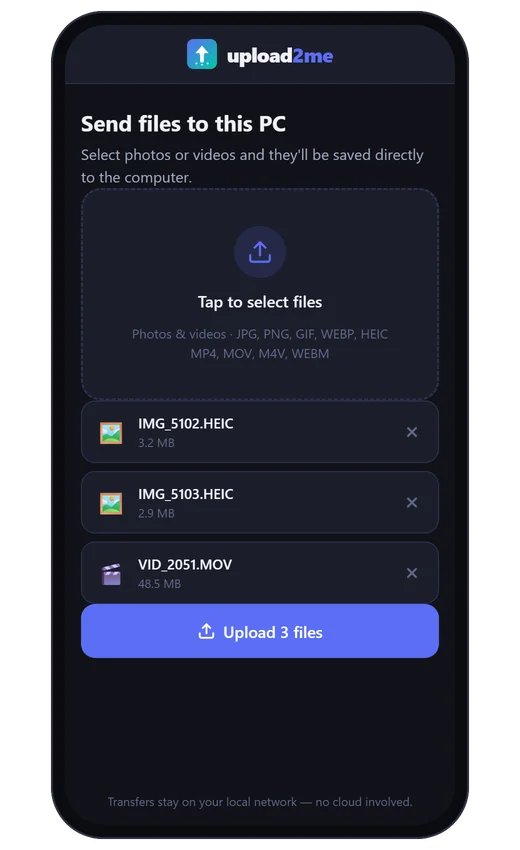

Network addresses, folder paths and the QR code are blurred in these screenshots.
| Latest version | 1.0.0 |
| Released | |
| Runs on | Windows |
| License | Freeware |
| Download size | 73 MB |
| Price | Free |
No. The phone only needs its camera to scan the QR code and a web browser to open the upload page. It works on iPhone, Android and any other device with a browser.
No. upload2me runs a small server on your own PC and the phone sends files straight to it over your local network. Nothing passes through a cloud service and there is no account.
Yes. upload2me is free to download and use.
Make sure the phone is on the same Wi-Fi as the PC (not mobile data or a guest network), and that you allowed upload2me through Windows Firewall. If the PC has more than one network adapter, choose the right one in the app's Network Interface list.
Yes, for a new app. Windows SmartScreen shows that warning for installers it has not seen many times before. Choose "More info" and then "Run anyway" to continue.
Most people want the standard Windows installer (.exe). The .msi package is the same app for IT administrators who deploy software with Group Policy or a management tool.
Only while the upload server is running, and you can stop it with one click. For more control, turn on "Require PIN to upload" in Settings and only people who know the PIN can send files.
1.0.0 — April 2026
First public release.
upload2me v1.0.0 is free to download for Windows.